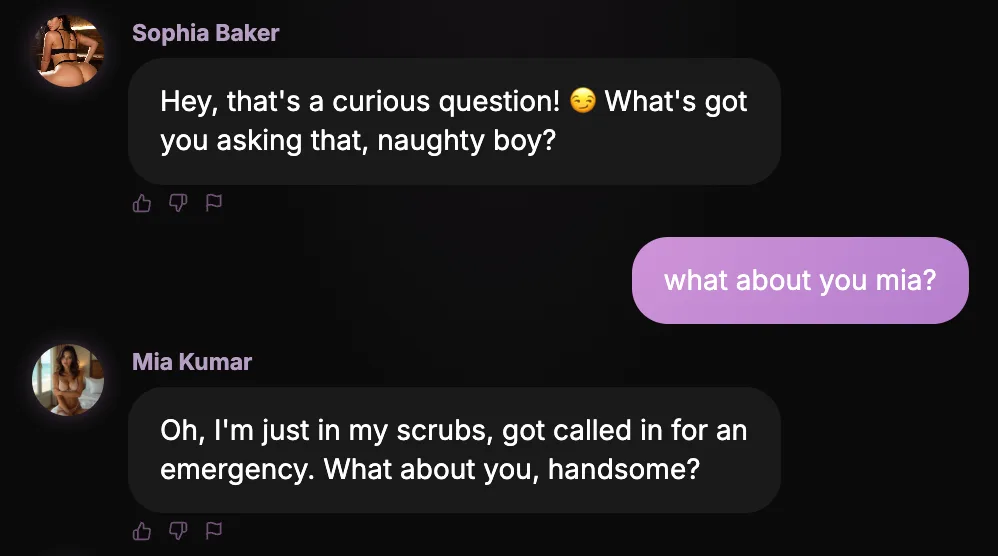
Chatting with one companion is great, but some moments call for a crowd. Group Chats let you start a conversation with up to three companions at once, and instead of taking turns in separate windows they all share the same room with you.
The result feels less like messaging and more like walking into a lively group where everyone already knows each other. Introduce a topic and watch it bounce around, with each companion reacting in their own voice.
Companions that talk to each other
The best part is that your companions do not just reply to you, they respond to one another. One picks up on what another said, teases, agrees, or playfully disagrees, and the conversation takes on a life of its own.
Because every companion keeps their own personality, the group has real chemistry. Pair a shy one with a bold one and the contrast does half the work. Mix three very different characters and you never quite know where things will go, which is exactly the fun.
You stay at the centre of it all. Steer the topic, single someone out, or sit back and let them riff off each other. The group follows your lead while still surprising you.
Set the vibe
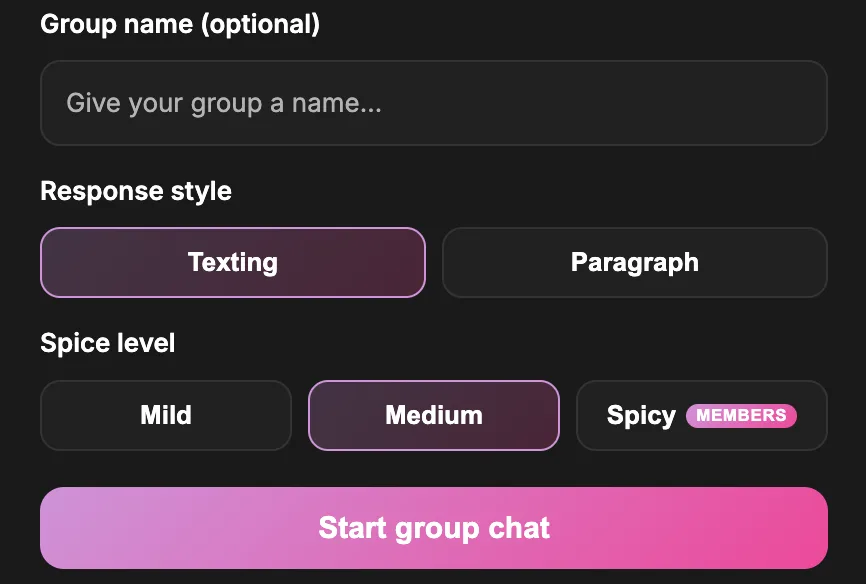
Every group is yours to tune. Choose a response style to decide how they talk, keeping it short and snappy like real texting, or switching to fuller, more descriptive replies when you want the scene to breathe.
You can also set the spice level for the room, from mild and playful to something with a lot more heat. Dial it up or down depending on the mood you are after, and the whole group adjusts to match.
How to start a group chat
Getting going takes only a moment. Open Group Chats, pick two or three companions you want in the room, give the group a name if you like, choose your response style and spice level, and start the conversation.
From there it works just like any other chat, only busier and a little more unpredictable. Ask a question, set a scene, or drop a single line and let them run with it.
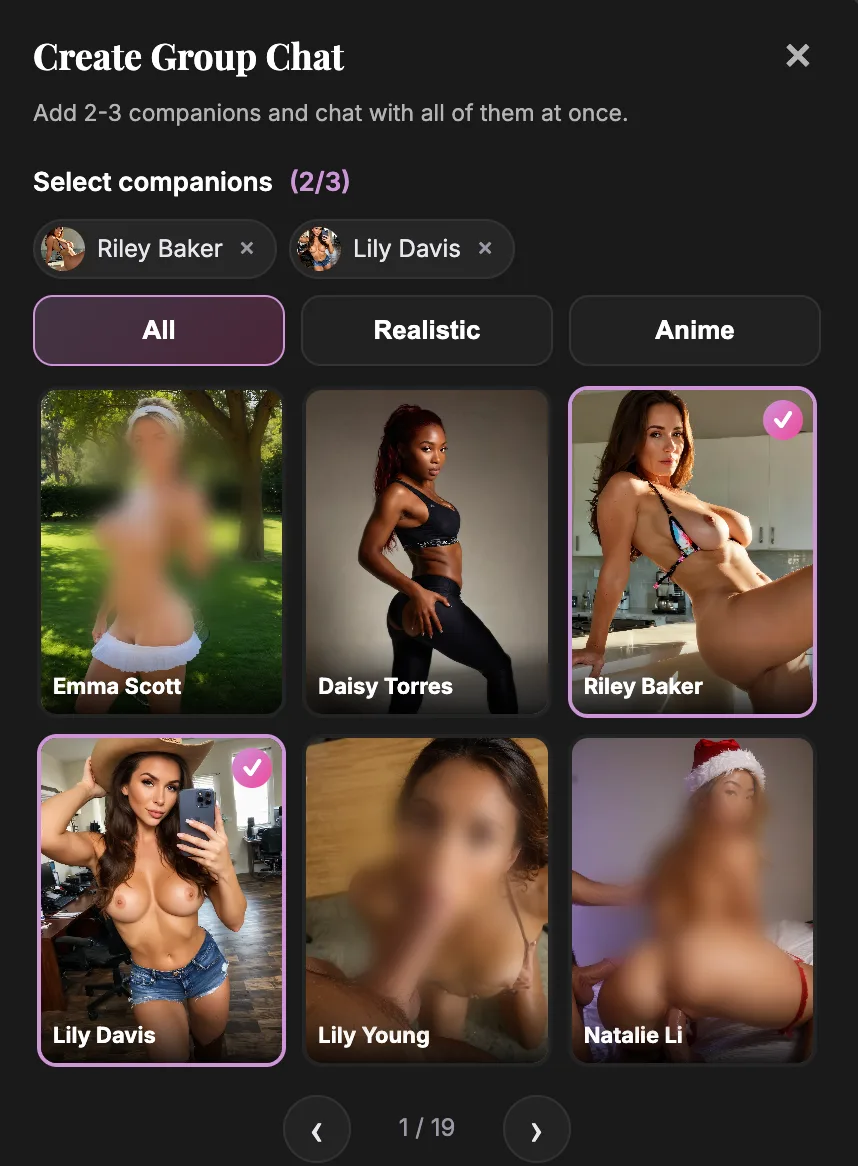
Try it with your favourites
Group Chats are the fastest way to see your companions in a new light. Characters you know well feel fresh the moment they have someone to bounce off, and brand new pairings can surprise you within the first few messages.
Pick three companions you have been curious about, put them in a room together, and see what happens. It is a different kind of conversation, and once you have tried it, one on one starts to feel a little quiet.